Hue Bridge Pro offline scenes reliability test without internet: what works and what fails
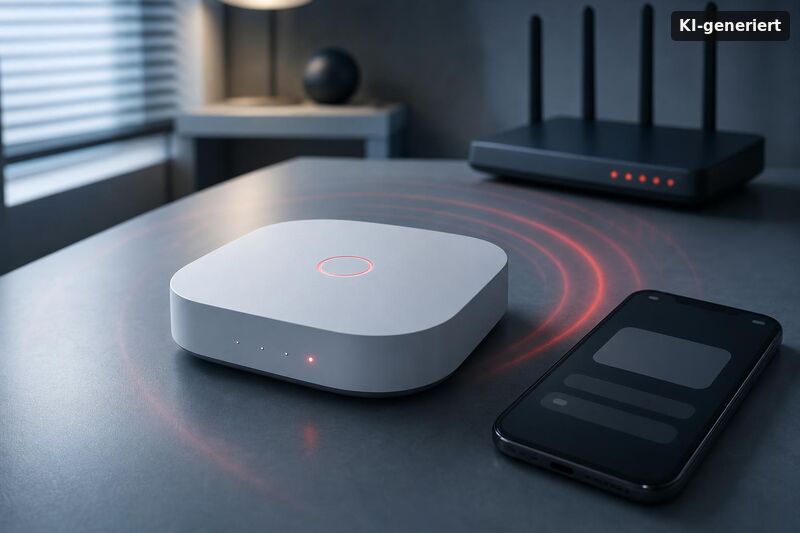
This Hue Bridge Pro offline scenes reliability test without internet examines what works and what fails: locally stored scenes and LAN control generally function, but reconnection and integration recovery can be fragile. The Bridge Pro communicates with your lights over ZigBee and exposes a local HTTP API, meaning neither the Hue app nor third-party platforms like Hubitat or openHAB strictly require cloud access to send commands. Philips Hue documents this explicitly — the bridge works as a standalone device.
That said, "works offline" is not equivalent to "works identically to when it's online." Cloud-dependent features drop out entirely: remote access from outside your home network, firmware update delivery, and voice assistant handoffs through Alexa or Google Assistant's cloud processing all go dark. What remains is local LAN control, scene execution via configurations stored on the bridge, and ZigBee communication to your bulbs and sensors. For many setups, that's sufficient. For others — particularly those with deep integrations into home automation platforms — the story gets considerably more complicated.
How to run a Hue Bridge Pro offline scenes reliability test without internet (methodology)
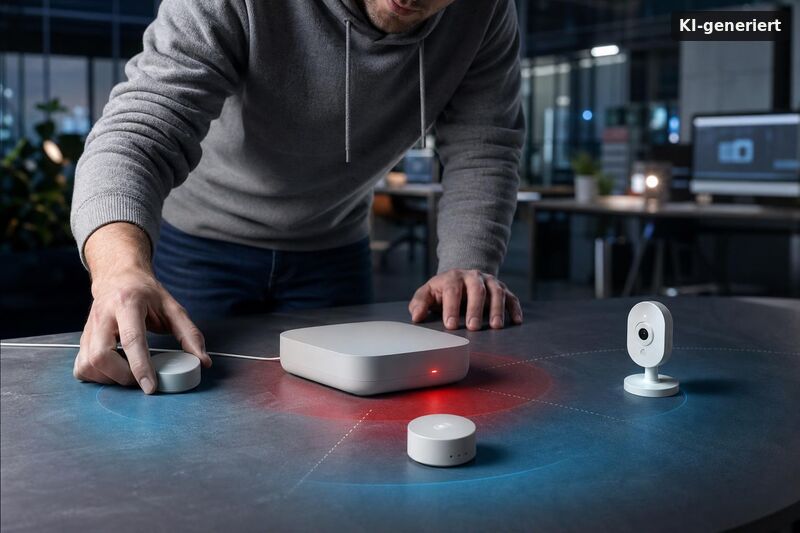
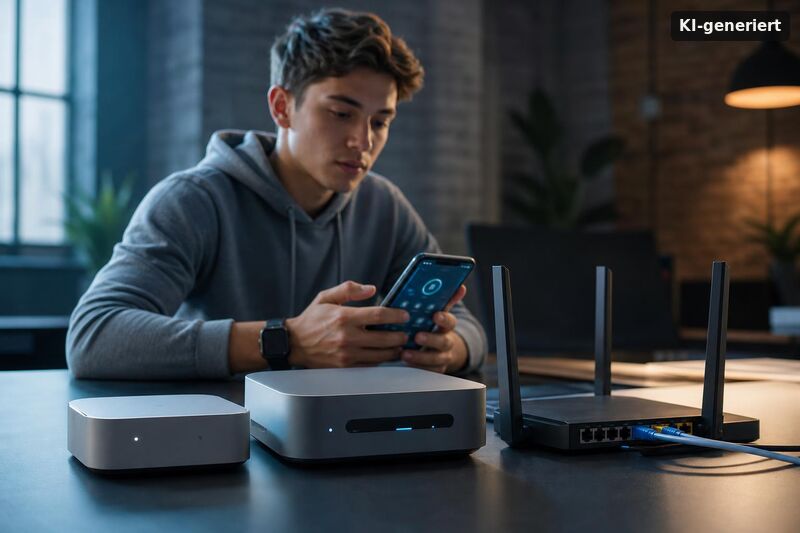
There is only one reliable way to know how your specific setup behaves: cut the internet connection deliberately and observe. Here's a reproducible method.
Step 1 — Isolate the internet, not the LAN. Disconnect your modem or disable the WAN port on your router. The goal is to eliminate internet access while keeping your local network intact. Unplugging the router entirely is a different test — you would lose local LAN communication, which is not the scenario most users face during an outage.
Step 2 — Wait 60–90 seconds after cutting the connection. Some platforms, including openHAB and Hubitat, log a "bridge offline" event within this window even though the bridge remains fully reachable on the LAN. That distinction matters when interpreting results.
Then run the following checks systematically:
- Trigger a saved scene from the Hue app while connected to your local Wi-Fi — note whether it executes and how quickly
- Test time-based automations and motion-triggered routines, which should run locally on the bridge without cloud access
- If you use Hubitat or openHAB, send a device command from those platforms and log the response
- Reconnect the internet after 10–15 minutes and observe whether integrations restore automatically or require manual intervention
- Check whether any ZigBee devices appear as unresponsive before and after reconnection
Document everything — timestamps, failure modes, which devices dropped, what required a restart. A single test is informative. Three tests run on separate days, including one after a bridge reboot, reveal considerably more about actual reliability.
What works: scenes, local triggers, LAN control
When network conditions are correct, quite a lot holds up without internet. Hue scenes stored on the bridge execute locally without any cloud involvement. If your phone or tablet is on the same LAN as the bridge, the Hue app connects directly to the bridge's local API — the same endpoint that openHAB, Hubitat, and Home Assistant use. Command latency is typically low on a healthy LAN, though it varies by network conditions and device count.
As confirmed by a deliberate test documented in the Hubitat community [2]: after disconnecting the modem, the Hue Bridge Pro continued to respond correctly to both the Hue app and Hubitat automations throughout the outage. That result aligns with the documented architecture — when local access paths are intact and the bridge was running stably beforehand, offline performance is generally solid.
Confirmed offline-functional features based on available sources:
- Manual scene activation via the Hue app on a local network [3]
- Hue motion sensor triggers linked to scenes — these communicate over ZigBee directly to the bridge
- Time-based schedules stored on the bridge; note that sunrise/sunset routines rely on location data stored on the bridge, so ensure your timezone and geolocation are configured before testing offline behavior
- Hue Tap Switch and Hue Dimmer Switch button presses — both ZigBee devices with no cloud dependency
- Hubitat and openHAB automations that use the local Hue API endpoint [2]
- The Bridge Pro's "Motion Aware" feature — using three or more compatible lights as a ZigBee-based presence detector — may also function locally; early tests suggest it works, but this is not formally documented by Signify and results may vary by firmware [8]
The critical precondition throughout: the bridge must be stable before the outage begins. A bridge that was already experiencing connectivity issues does not recover gracefully when internet access drops.
What fails in this offline reliability test without internet: reconnection and integrations
In this Hue Bridge Pro offline scenes reliability test without internet, what fails most consistently is not the outage itself — it's what happens when internet access returns. Reconnection is the weakest point in the entire offline scenario.
As documented in a detailed Bridge Pro assessment [1], when the bridge reconnects after an outage, it frequently fails to restore its integrations cleanly. Rather than simply resuming, it can present itself as an unrecognized device to platforms like Hubitat or openHAB. The practical consequence: removing the bridge entirely from your automation platform and re-adding it — which typically means re-adding every individual Hue device tied to it. For setups with 20, 30, or 50+ bulbs, that represents hours of reconfiguration, not minutes.
Post-restart instability is a separate but related problem. The openHAB community documents a recurring pattern [5] where the bridge appears connected to the router but becomes unreachable to openHAB, with ping response times spiking unexpectedly. The only consistently effective resolution reported: a manual power cycle. While a ZigBee layer issue is suspected in certain cases, the root cause and its precise relationship to internet connectivity are not consistently established across sources.
Firmware updates add a third risk. One user documented a Bridge Pro that began installing a firmware update immediately on power-on, before the bridge had established any network connection — leaving it temporarily unusable [6]. With no native backup-and-restore mechanism from Signify, a failed or ill-timed update can render the entire setup non-functional. Bridge Pro updates have caused connectivity regressions in mid-2026 reports [6].
Voice assistants and Matter: what goes offline and what stays
A quick overview of the broader ecosystem during an internet outage:
- Amazon Alexa: Cloud-processed — voice commands stop working without internet. Local Alexa processing exists on some Echo hardware but does not extend to Hue control as of mid-2025.
- Google Assistant / Google Home: Cloud-dependent for Hue control — commands fail without internet access.
- Apple HomeKit: HomeKit supports local execution; Hue scenes accessible through HomeKit can still execute locally over LAN without internet, provided the Home Hub (HomePod or Apple TV) is on the same network.
- Matter: The Bridge Pro supports Matter over LAN. Matter devices can be controlled locally without cloud access — this is one of the protocol's core design goals — but initial commissioning and some controller features may require internet access. For a closer look at how this compares to other connectivity approaches, see Hue Bridge Pro vs Standard: Matter, Thread, offline scenes (2026).
The practical takeaway: HomeKit users have meaningfully better offline resilience than Alexa or Google Home users, specifically because of HomeKit's local execution model.
What should you check before blaming the internet connection?
When offline behavior doesn't match expectations, the internet connection is frequently the first thing blamed. Often it isn't the actual cause.
Start with your router. Some consumer and prosumer routers enforce client isolation policies that prevent LAN devices from communicating directly — your phone on Wi-Fi may be unable to reach the bridge on the wired Ethernet segment. Check AP isolation settings, particularly on mesh systems like Eero, Orbi, or Google Nest WiFi.
IP address stability is equally important. If your router assigns the Bridge Pro a dynamic IP and that address changes during an outage or restart, any hardcoded integration endpoint breaks immediately. Assign the bridge a static DHCP reservation — this takes a few minutes and eliminates an entire category of failure.
Additional diagnostics worth running:
- Has the bridge received a firmware update recently? Connectivity regressions following updates are documented [6]
- Is your Hubitat or openHAB integration using the local API endpoint (
http://[bridge-IP]/api/), or is it routed through the Hue cloud? Confirm this in your integration configuration - Are "bridge not connected" warnings coming from an external cloud service rather than local diagnostics? Those warnings reflect cloud reachability, not LAN status
- Run a ping to the bridge's IP from your phone or laptop during an outage — if it responds, the bridge is locally reachable regardless of what any app reports
From our editorial experience, the majority of "bridge offline" reports in community forums trace back to one of three root causes: a dynamic IP conflict, an AP isolation policy on a mesh router, or an integration config pointing to a cloud endpoint rather than the local API. Rule those out before escalating.
Is the Hue Bridge Pro reliable enough for offline scenarios?
Conditionally, yes — with the emphasis on the condition. For users with a stable LAN configuration, static IP assignments, and no pending firmware updates, the Bridge Pro handles internet outages without obvious disruption during the outage itself. That is a reasonable baseline. But the reconnection behavior documented in [1], and the bridge stability issues documented in [5] and [6], introduce real operational risk that affects the value of the platform as a whole.
As [1] puts it directly: the real cost of unreliability isn't just downtime or dropped connections — it's what happens afterward. Having to remove and re-add the bridge plus all underlying devices to a platform like Hubitat isn't a minor inconvenience for a 50-device setup. It breaks automations, resets device names, and can disrupt household routines for an extended period. Signify offers no native backup-and-restore tool for the Bridge Pro as of mid-2025, which means there is no fast recovery path when things go wrong post-reconnect.
Three scenarios where offline use is most viable:
- Short internet outages of a few hours where the bridge was running stably beforehand — generally reliable based on community reports [2, 3]
- Intentional local-only deployments, such as a vacation property with unreliable connectivity — workable, but requires careful pre-configuration, static networking, and no pending firmware updates
- HomeKit-based setups — the local execution model provides meaningfully better offline resilience than Alexa or Google Home configurations
Home Assistant's native Hue integration also uses the local API; some community reports describe stable reconnections after outages, though results vary by setup and are not formally benchmarked in the sources available to us.
Conclusion
Bottom line from this Hue Bridge Pro offline scenes reliability test without internet: what works and what fails is highly dependent on firmware state, LAN configuration, and integration type. During an active outage, locally stored scenes, ZigBee-linked triggers, and LAN-based app control generally hold up — as confirmed by deliberate testing documented in the community [2]. The vulnerabilities are concentrated at the edges: firmware updates that land at the wrong moment [6], post-restart instability that requires power cycling [5], and an integration restore process after reconnection that can require complete reconfiguration [1]. Run a deliberate offline test on your specific setup before you need to rely on it, lock in a static IP for the bridge, verify your integration hits the local API endpoint, and document a re-pairing procedure you can follow quickly. The Bridge Pro can handle an outage. Trusting it to restore itself cleanly afterward is a different matter.
When you run a hue bridge pro offline scenes reliability test without internet: what works and what fails, the first success factor is simple. Hue needs a stable local Zigbee mesh and a bridge connection that stays alive even when the WAN drops. If your router has frequent resets or your Wi‑Fi setup is unstable, the bridge can lose reachability from your phone. Then offline scenes may still be saved, but you may not trigger them reliably from apps or automations. To mirror the conditions in a real outage, check how the Hue Bridge Pro behaves during WLAN and router problems, not just during a full “internet down” event. This helps you separate true offline scene behavior from one more failure point in your network path.
If the trigger is the network, the next limiter is device load. For your hue bridge pro offline scenes reliability test without internet: what works and what fails, you should test with the same number of lights, sensors, and switches you actually run. If the bridge is near its practical ceiling, timing and scene execution can feel less consistent. That is why it can help to read the break-even perspective: it explains where Hue Bridge Pro becomes useful, based on higher device limits and how many endpoints you budget for. You can then match your lab setup to a real “heavy” installation and see whether offline scenes stay stable or start to glitch when the system is busy.
Finally, offline testing is not only about “internet gone.” It is also about local control paths and latency. A good hue bridge pro offline scenes reliability test without internet: what works and what fails should reflect how quickly Apple Home or another controller can request a scene locally. In some setups, users expect Thread or smart features to improve responsiveness, but the bridge’s internal paths still matter more. If you want a second angle, use this guide to understand whether Hue Bridge Pro is worth it versus v2 for local automation and reliability, so your offline scene tests are judged with the right expectations.
Hue Bridge Pro ohne Cloud: Wie sie bei WLAN- und Router-Problemen läuft
Lohnt sich Hue Bridge Pro wirklich? Break-even mit Gerätelimits, Sensoren und Offline-Scenes für US-
hue bridge pro worth it vs hue bridge v2 for apple home matter local automation