Schnelle Antworten
Welche neuen Funktionen bietet die Homematic IP App im Alltag?
Wie viele Home Favorites pro Raum lassen sich in der neuen App nutzen?
Gibt es eine native Tablet-Unterstützung in der Homematic IP App?
Wie funktioniert die Steuerung per Wear OS in der Homematic IP App?
Was ändert sich bei Licht- und Beschattungs-Konfiguration in der App?
Bleiben Einstellungen und Messwerte nach dem Update der Homematic IP App erhalten?
The new Homematic IP app features at a glance
The new Homematic IP app features a redesigned UI, native tablet support, expanded Home Favorites, and Wear OS smartwatch control. eQ‑3 keeps the proven navigation while modernizing visuals and adding quality-of-life upgrades that make daily control faster and more consistent across devices.
Enhanced user interface and experience
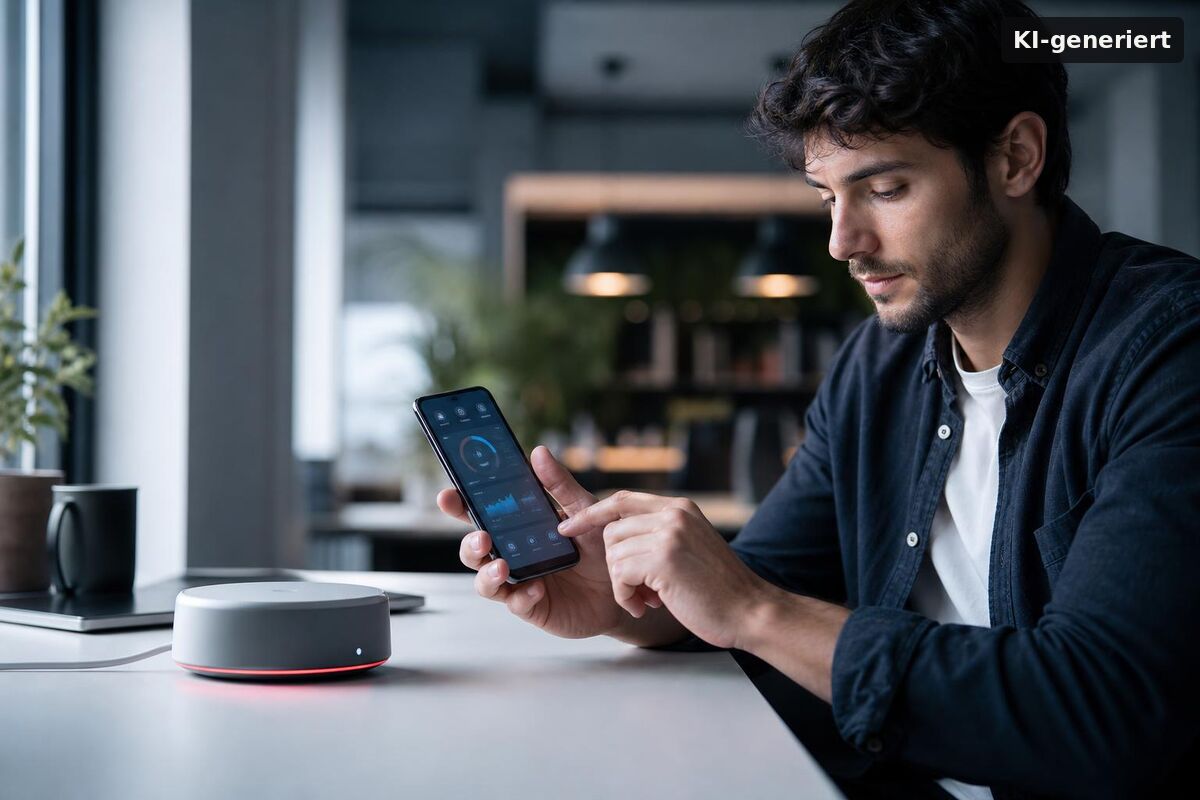
The updated interface keeps the familiar structure but adds individual background images, scalable font sizes, and an optional Dark Mode for low-light use. A cleaner home screen reduces taps to key actions, which is noticeable once Sie pin scenes, thermostats, or security modes you use most.
From a usability angle, the dynamic typography and clearer tile layout reduce scanning time, especially on dense installations. In der Praxis hat sich gezeigt: Wenn Sie Räume mit vielen Geräten führen, wirkt die neue Kachelansicht mit klaren Labels und stärkerem Kontrast deutlich ruhiger, ohne Funktionen zu verstecken.
What new Homematic IP app features stand out?
Top wins are the increase to up to 15 Home Favorites per room, native tablet layouts, improved group configuration, and Wear OS control on the wrist. Together, these changes cut navigation time and make quick actions more accessible where Sie sie benötigen.
Favorites now scale for larger households: up to 15 tiles per room let Sie Lichtgruppen, Thermostate, Rollläden oder Alarmszenen direkt antippen, statt in Untermenüs zu springen. The revamped Groups flow (noted in the App Store changelog) simplifies creating and editing device groups, so Sie Licht, Beschattung oder Heizung konsistent bündeln können. Lighting configuration has also been reorganized under the “Light and Shade” function; features like a “coming home” light are easier to discover and set up.
- Up to 15 Home Favorites per room for faster access
- Dynamic font size and optional Dark/Light Mode
- Improved group configuration for lights, shades, heating
- Cleaner homescreen and customizable backgrounds
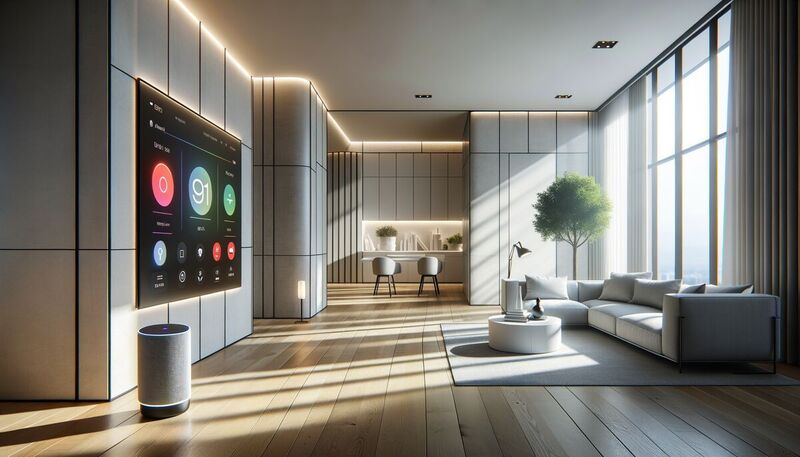
- Native tablet support with better overview
- Wear OS app for on-wrist control (Android)
Is there tablet and smartwatch support?
Yes—tablet layouts are now native, and a Wear OS app supports on-wrist control for key functions. Apple Watch support has not been announced; the Wear OS app is available via Google Play.
On tablets, Sie sehen mehr Geräte, Räume und Zustände auf einen Blick—useful for households with many rooms or mixed lighting and HVAC zones. On Wear OS, Sie können laut Play-Store-Beschreibung Lichter und Steckdosen schalten und Zugangskomponenten bedienen, ohne das Smartphone zu ziehen. For details, see the official announcement and store listings: new Homematic IP app released and the Homematic IP entry on Google Play.
Future-proofing beyond wearables
eQ‑3 notes a modernized technical base that enables ongoing feature delivery. From an editorial perspective, that foundation matters: Sie erhalten ein konsistenteres Verhalten über Smartphone, Tablet und Wearable hinweg, und spätere Funktionen müssen nicht als Workaround implementiert werden.
New Homematic IP app features: migration and rollout
The rollout is staged via Apple App Store and Google Play; Sie können eine bestehende Installation direkt aktualisieren. User/device settings stay intact, and historical measurement data can be re-fetched from the Homematic IP Cloud after the update.
In practice, the in-place upgrade is painless: after updating, Ihre Profile, Räume und Automationen bleiben erhalten; Messwerte werden erneut synchronisiert. The prior beta program has ended, and the beta app is no longer supported—a clean handover to the stable channel.
How does lighting and shading setup change now?
Lighting controls are consolidated under the Light and Shade function, and common routines like arrival lighting are quicker to configure. This streamlines everyday scenes without rewriting your entire setup.
Aus Redaktionssicht empfehlen wir, bestehende Lichtgruppen einmal zu öffnen und neu zu speichern: Die neue Gruppenlogik und klarere Labels reduzieren Konflikte, wenn Sie mehrere Trigger (z. B. Zeitprofil + Präsenz) kombinieren. Wenn Sie Hue oder andere Integrationen nutzen, prüfen Sie die Gruppen-Zuordnung, bevor Sie zusätzliche Szenen anlegen.
Seamless transition and data integrity
For most installations, Sie aktualisieren einfach und arbeiten weiter: No recurring costs, settings preserved, and measurement data restorable from the cloud. If Sie mehrere Mobilgeräte nutzen, aktualisieren Sie alle Clients, um UI und Gruppenverhalten synchron zu halten.
Aus Praxis: Planen Sie ein paar Minuten für einen kurzen Funktionstest ein—Favoriten öffnen, zentrale Szenen abspielen, kritische Automationen (z. B. Heizung, Alarm) triggern. Das stellt sicher, dass neue UI-Pfade zu Ihren meistgenutzten Aktionen wirklich passen.
Community-driven development
eQ‑3 has visibly folded community requests into this release: more Home Favorites, Dark Mode, tablet-native layouts, and polished groups were all frequent asks. Tido de Vries thanked beta users for feedback, signaling that roadmap decisions continue to reference real-world usage rather than one-off demos.
About eQ‑3
eQ‑3 remains one of Europe’s scale players in smart home. Berg Insight listed the company as European market leader in whole-home systems multiple years in a row. With 200+ products shipped across 50+ million devices into over 3 million households, the company runs development in Leer (Germany) and manufacturing in Zhuhai (China), with ISO 9001/14001 and strong CSR audit results.
Fazit
The new Homematic IP app is a pragmatic upgrade: faster access via up to 15 favorites per room, native tablet views, and on-wrist Wear OS control where it matters. Sie profitieren von klareren Gruppen, besserer Lesbarkeit und einer UI, die mit Ihrem System skaliert. Der Update-Pfad ist reibungslos, Einstellungen bleiben erhalten, Messwerte sind nachsyncbar. Aus Redaktionssicht lohnen sich 15 Minuten Feintuning für Gruppen und Favoriten – dann zahlt das Release seinen Produktivitätsgewinn im Alltag sofort aus.
The new Homematic IP App is here, bringing a fresh wave of smart home automation to your fingertips. This app offers enhanced control and monitoring of your smart devices, making your home even more efficient and secure. With its user-friendly interface and advanced features, managing your smart home has never been easier.
For those interested in the latest advancements in smart home security, you might find the best wireless security cameras for home office to be a valuable read. These cameras integrate seamlessly with the Homematic IP App, providing comprehensive surveillance solutions for your home or office. Stay ahead in securing your space with cutting-edge technology.
If you're looking to expand your smart home ecosystem, consider exploring the Shelly Smart Plug SmartThings Integration. This integration allows you to control various devices through a single platform, enhancing the versatility and convenience of your smart home setup. The new Homematic IP App complements these integrations, offering a unified experience.
Additionally, the renewable energy solutions Shanghai Electric offers can be a great addition to your smart home. By integrating renewable energy sources, you can make your home more sustainable and energy-efficient. The Homematic IP App supports these green initiatives, allowing you to monitor and manage energy consumption effectively.