Schnelle Antworten
Hue Bridge Pro vs Hue Bridge (v2): Welche sollten sie kaufen?
Lohnt sich die Hue Bridge Pro bei dem Preis von $139.99 gegenüber $69.99?
Kann ich MotionAware und SpatialAware später per Firmware-Update auf die v2 freischalten?
Welche Sprachassistenten und Smart-Home-Plattformen unterstützen Hue Bridge Pro und v2?
Ist Matter auf Hue Bridge Pro und Hue Bridge (v2) verfügbar?
Welche Auswirkungen hat die Bridge Pro-Kapazität bei großen Hue-Setups?
Wie vermeiden Sie Probleme beim Upgrade von v1 oder v2 auf die Bridge Pro?
Hue Bridge Pro vs Hue Bridge (v2): Key Differences, Costs, and Buying Recommendation
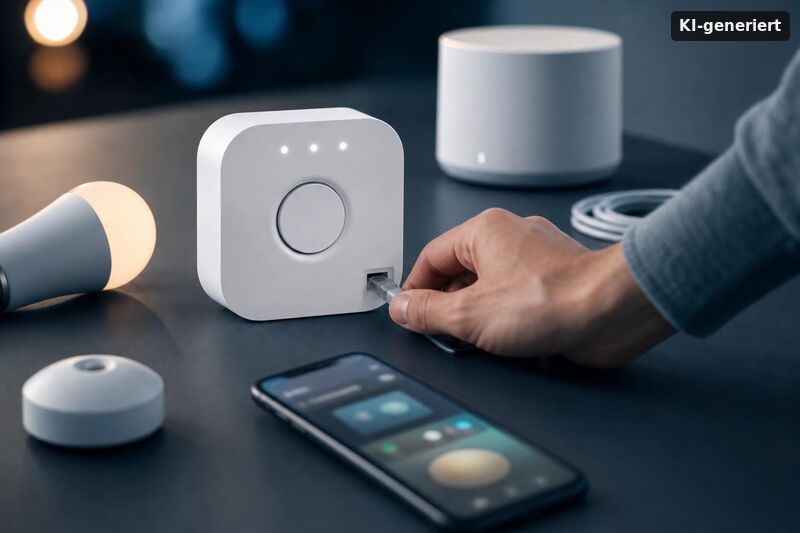
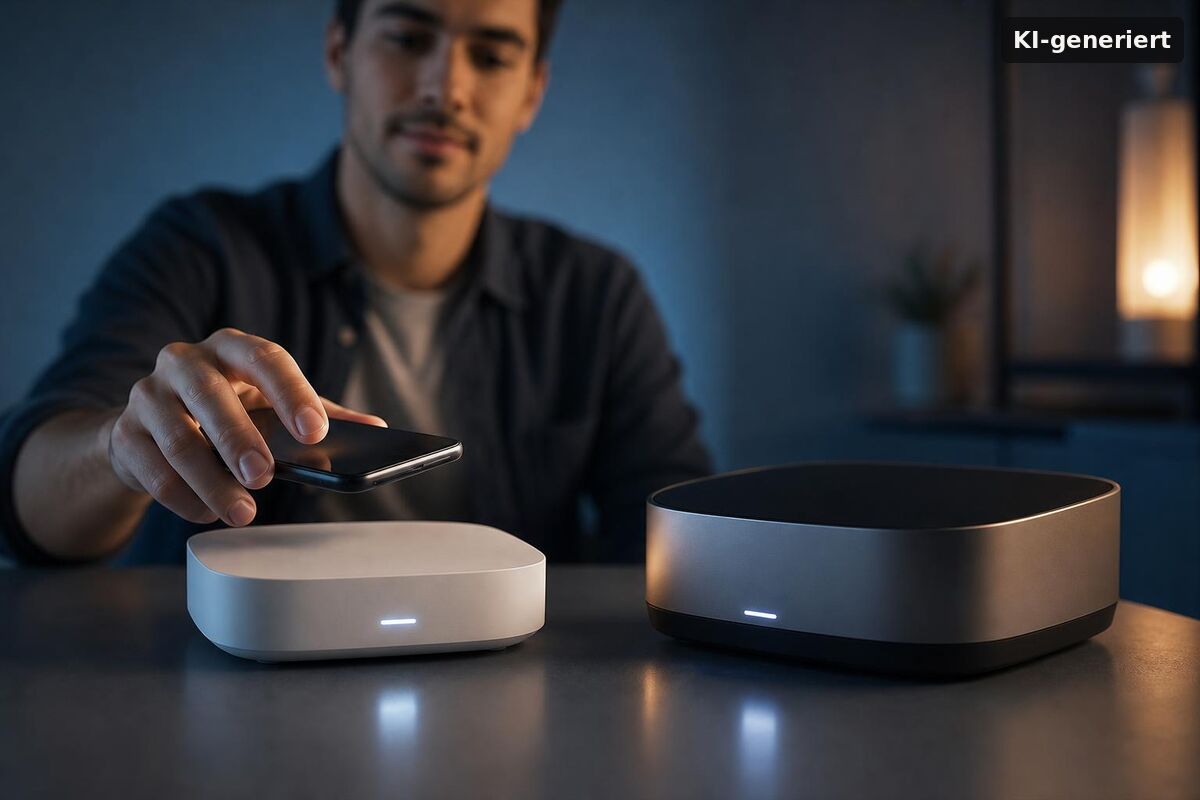
The Hue Bridge Pro vs Hue Bridge (v2) comparison comes down to one core question: how large is your setup, and do you need the Pro's exclusive AI-driven features? The Bridge Pro, at $139.99, is roughly twice the price of the standard Hue Bridge at $69.99. Both handle all core Hue functionality — app control, automations, platform integration — but the Pro adds MotionAware and SpatialAware, two features that require its more powerful onboard processor and simply cannot run on the v2. For a small setup, that difference is irrelevant. For a whole-home installation, it's the entire argument for upgrading.
When Signify officially announced the Bridge Pro in September 2025, the reception was mixed. The spec sheet was notably thin on concrete detail — unusual for a product carrying a "Pro" label. What the hardware does deliver, though, is a faster chip, expanded capacity for devices and automations, and Matter built in. Whether that justifies the premium depends entirely on where you are in your Hue journey.
What Are the Key Differences Between Bridge Pro and Bridge (v2)?
The feature split between the two models is cleaner than the marketing suggests. Both bridges give you full Hue App control, time- and presence-based automations, smart accessory pairing, and Entertainment Sync for TV and gaming. Platform coverage is identical across both: Amazon Alexa, Google Assistant, Apple HomeKit, and Samsung SmartThings are all supported. You do not need the Pro for ecosystem compatibility.
What separates them:
- MotionAware: Detects occupancy patterns across your home using onboard processing, reducing the need for a physical motion sensor in every room. Hardware-locked to the Pro.
- SpatialAware: Enables more granular, location-context automations. Also hardware-locked — the v2's chip cannot run it.
- Capacity: The Pro supports more connected devices and more simultaneous automations than the v2. Signify hasn't published a full side-by-side capacity table for the Pro; the v2's official limits are documented on the Philips Hue platform. If you're approaching those limits, the Pro offers meaningful additional headroom.
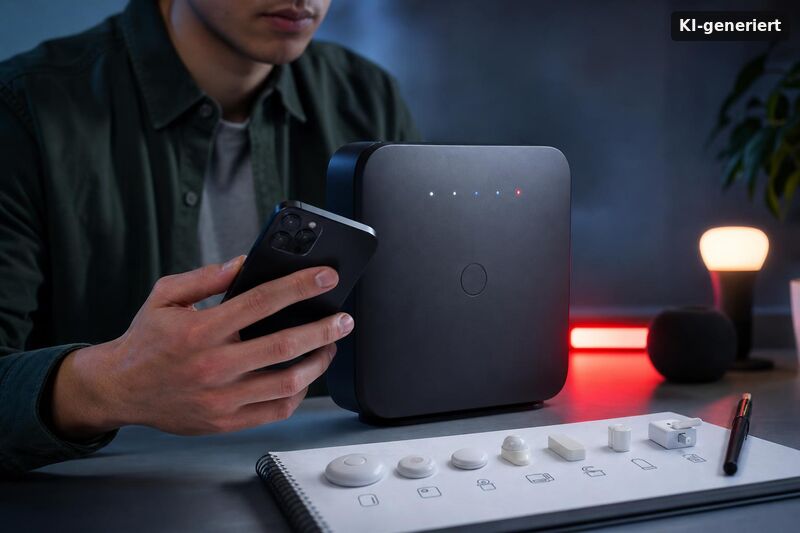
- Hardware design: The Bridge Pro ships in black housing — a permanent "dark mode" aesthetic — versus the white v2. It also uses a USB-C power adapter, replacing the older connector on the v2.
- Matter: Both bridges support Matter. The v2 added it via firmware update; the Pro has Matter built into the hardware from launch. Ensure you're on the latest firmware in the Hue app before purchase on either model.
The critical point for buyers: MotionAware and SpatialAware are not unlockable via software update on the v2. If you purchase the standard bridge expecting to gain these features later, that won't happen. The processor gap is hardware-level.
How Much Does the Hue Bridge Pro Cost — and Is the Price Justified?
At $139.99, the Bridge Pro is roughly twice the price of the standard Bridge at $69.99 — a $70 difference. Hueblog.com flagged the current US pricing as steep, noting it reflects a roughly 40 percent increase over a previous Pro price point — not a comparison to the v2, where the gap is actually closer to 100 percent. That context matters.
In the UK, the Bridge Pro retails around £63.99 for the standard Bridge equivalent, with the Pro at a comparable premium. Euro pricing sits at €99.99 for the Pro (as of mid-2026).
A practical decision framework for the cost question:
- Standard Bridge ($69.99) — the right choice if you're starting out, running fewer than 15–20 devices, or have no near-term plans for MotionAware or SpatialAware.
- Bridge Pro ($139.99) — worth it if you already have a large Hue installation, plan to expand significantly, or specifically want the AI-driven automation features exclusive to this model.
If you want a tighter breakdown of whether the premium really pays off for your situation, see Hue Bridge Pro worth it? Price, benefits and who should upgrade.
As The Verge's review concludes: for existing Hue users with a house full of lights, the Bridge Pro is a strong recommendation. For newcomers, the standard bridge remains the better value — it covers all core features and leaves $70 in your pocket.
Which Bridge Should You Buy? Our Recommendation
The buying recommendation splits clearly by use case. New to Hue with a modest setup? The standard Bridge handles everything you need. Already running 20+ lights across multiple rooms with layered automations? The Pro's additional headroom and exclusive features start to pay off.
From our perspective, the "Pro" label oversells the device slightly — the spec sheet remains thinner than you'd expect from a product at this price point. But the underlying hardware upgrade is genuine. In denser setups, the Pro's additional processing headroom can improve overall responsiveness during complex, concurrent automations. The MotionAware feature, in particular, has real practical value for whole-home setups where installing a physical sensor in every hallway and room isn't practical.
One edge case worth mentioning: if you're still on the original round v1 bridge from 2011, the upgrade argument is unambiguous — either the v2 or the Pro is a major step forward. The question is purely how much you want to spend.
How to Upgrade from v1/v2 to the Bridge Pro Without Issues
The migration process is handled through the Hue app and is straightforward in most cases — but not always seamless. A known issue: some lights lose their configuration during the bridge swap and need to be re-added or reprogrammed. This is a recurring pattern reported by users who've made the switch, unrelated to any defect in the Pro itself.
Practical steps to minimize friction:
- Back up your Hue account settings before starting — the app prompts this, but do it manually as well.
- Plan for 30–60 minutes if you have a large installation, and verify every room and automation carried over correctly after setup.
- Check that your bulbs are on current firmware before the migration; outdated firmware on older bulbs is a common source of post-migration problems.
The USB-C power adapter on the Pro is a minor but practical improvement — worth noting for anyone mounting the bridge in a media cabinet or AV rack where cable management matters.
Fazit
The Hue Bridge Pro vs Hue Bridge (v2) decision is less complicated than the product naming implies. At $139.99, the Pro is roughly twice the price of the $69.99 standard Bridge — and that premium is only justified if you need MotionAware, SpatialAware, or the expanded capacity for a large, growing installation. For most users starting out with Hue, the standard Bridge covers every core feature at half the cost. For existing users with whole-home setups, the Pro's AI-driven features and processing headroom make a credible case for the upgrade. The key differences are hardware-locked, not software-unlockable — so make the call before you buy, not after.
When you compare Hue Bridge Pro vs Hue Bridge (v2): key differences, costs, and buying recommendation, it helps to look at who should upgrade. The Bridge Pro is usually the better fit when you want faster device setup, more capability for larger homes, or you are already close to what the standard bridge can handle. If your setup is small, you may not feel the gain. Before you spend extra, check what your current rooms, lights, and routines demand. You will then see whether the upgrade price matches your daily use. For many buyers, the decision becomes simple: stay with v2 if you only need core control, switch to Pro if you plan to grow your smart lighting soon.
Philips Hue Bridge Pro is it worth it? price, benefits, and who should upgrade
Hue Bridge Pro vs Hue Bridge (v2): key differences, costs, and buying recommendation also depends on practical constraints like memory limits and how much automation you want. Some people buy the Pro for more headroom in multi-room setups. Others choose v2 and stay happy because they use fewer scenes and smaller device counts. Think about how you will expand. If you plan to add rooms, sensors, or more scenes for daily schedules, the Bridge Pro can reduce future bottlenecks. If you mainly control a few lights from your phone, the v2 bridge may be the wiser budget choice. The best buying recommendation is the one that matches your current use and your next upgrades.
To make the right call, compare the Hue decision with other smart-home buying trade-offs. Many tech purchases follow the same pattern: the higher-end model feels great now, but the value only lasts if your use case is strong enough. When you read Hue Bridge Pro vs Hue Bridge (v2): key differences, costs, and buying recommendation, treat it like a cost-benefit check. Decide which features you will use every week. Then estimate what you would miss if you chose the cheaper bridge. If you want robust automation and a setup that grows, pay for the capability. If you want simple control and low total cost, v2 often wins.