Schnelle Antworten
Is the Philips Hue Bridge Pro worth it at $139.99 for large setups?
What does the Philips Hue Bridge Pro cost in the US right now?
When should Sie upgrade to Philips Hue Bridge Pro instead of the standard Bridge?
What advantages does the Bridge Pro provide: capacity, speed, and MotionAware?
Does the Bridge Pro help for small Hue setups with under 20 lights?
What should you watch out for before buying the Philips Hue Bridge Pro?
Philips Hue Bridge Pro — is it worth it? Price, benefits, and who should upgrade
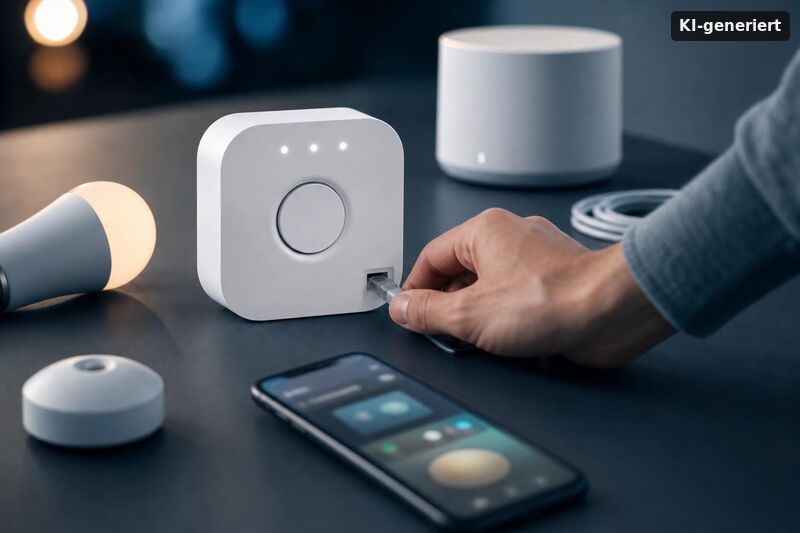
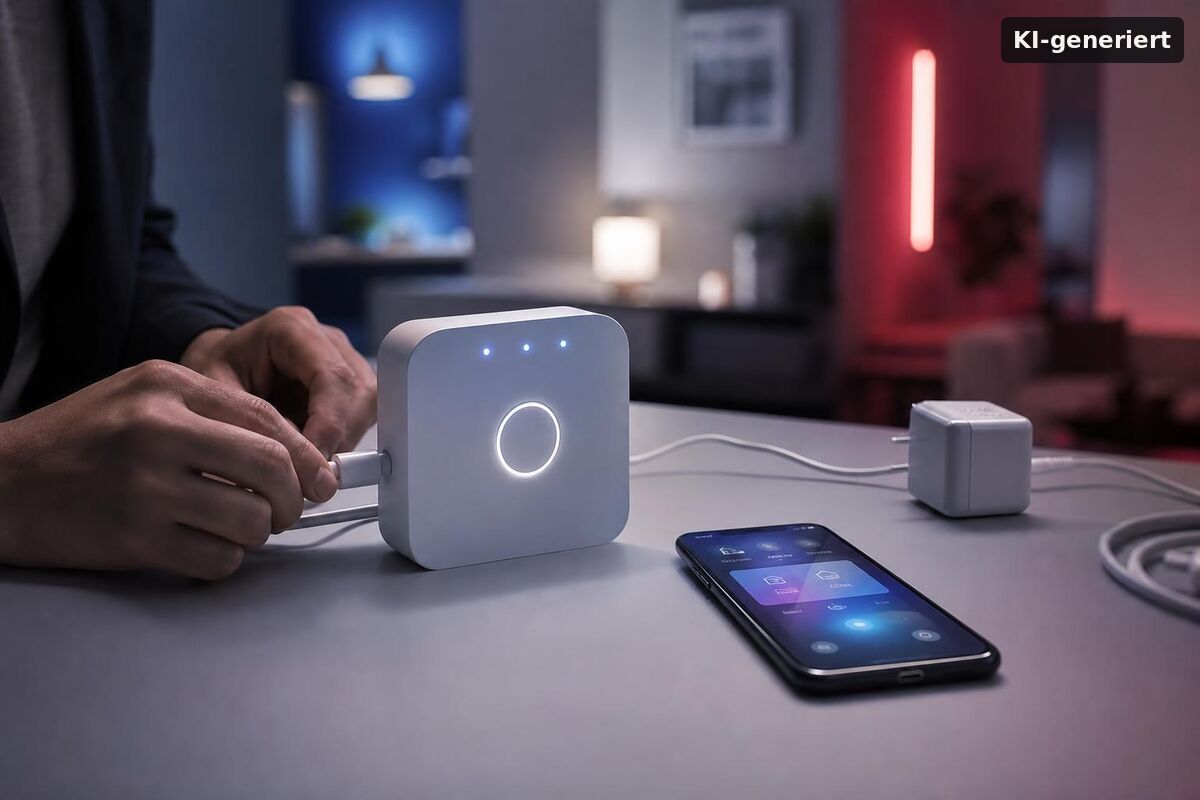
The short answer to "Philips Hue Bridge Pro — is it worth it? Price, benefits, and who should upgrade": it depends entirely on the size of your setup. For large or growing Hue installations, the upgrade is meaningful. For a single room with a handful of bulbs, the standard Bridge still handles everything you need at a third of the cost.
This review addresses the exact briefing question "Philips Hue Bridge Pro is it worth it? price, benefits, and who should upgrade" so you can decide based on your current system and expansion plans.
Where the Pro earns its price tag is at scale. Once you start bumping against device limits, notice sluggish response times across multiple rooms, or want smarter motion-based automation without buying a separate $49 sensor per zone, the upgrade criteria change significantly. The tripled light capacity — 150+ versus 50 on the standard Bridge — can justify the purchase for anyone seriously invested in the Hue ecosystem. At a smaller scale, the real-world difference is much harder to feel.
What Does the Philips Hue Bridge Pro Cost Right Now?
As of 2026, the Philips Hue Bridge Pro retails at $139.99 in the United States — on Amazon, the Hue Shop, and most major retailers. That price followed a roughly 40% hike from the original $99 launch price, as reported by 9to5Google. The standard Philips Hue Bridge typically runs around $52–55, putting the gap at roughly $85.
If you're also weighing the v2 generation specifically, this guide breaks down Hue Bridge Pro vs Hue Bridge (v2): differences, pricing, and which to buy. Internationally the picture looks different. In the UK and EU, the Pro sits at around £89.99 / €89.99 — which makes the US pricing noticeably steeper relative to local purchasing power. Starter kits still bundle the standard Bridge at a low entry cost, which makes sense if you're just getting started. But if you're already near your current hub's limits and planning to expand over the next year or two, paying the premium upfront avoids a disruptive second migration later.
What Advantages Does the Bridge Pro Actually Deliver?
Three areas stand out — and they're not equally relevant to every user.
- Speed: Philips claims up to five times faster response handling compared to the standard Bridge. For large multi-room setups with dozens of lights firing simultaneously, this is tangible. For a single living room? Probably not noticeable in daily use.
- Capacity: The Bridge Pro supports 150+ lights (roughly 3× the standard Bridge) and up to 50 accessories — well over 4× the standard Bridge's ~12 — offering significant headroom for expanding installations.
- 2.4 GHz Wi-Fi: Built-in wireless connectivity alongside Ethernet means you're no longer tethered to a router port. Placement flexibility is a practical win in larger homes where running a cable to a central location isn't always realistic.
- MotionAware: The Pro supports up to four motion zones, enabling smart lighting automation without requiring standalone Hue motion sensors at $49 apiece. Build out all four zones and that's up to $196 in sensor savings. The feature is included with the Bridge Pro hardware — no separate purchase needed, as confirmed by The Verge's hands-on review.
- SpatialAware: A companion feature to MotionAware, SpatialAware uses the Bridge Pro's enhanced processing to understand room context — allowing automations to react more intelligently to where activity is happening, not just whether motion is detected. It's a step toward more ambient, less clunky smart lighting behavior.
- Broader platform compatibility: Both the standard Bridge and the Bridge Pro support Matter for Hue lights. The Pro's faster hardware improves responsiveness in larger setups and handles more simultaneous connections — relevant if your ecosystem extends to Alexa, Google Home, or Apple HomeKit alongside Hue.
Philips Hue Bridge Pro vs. Standard Bridge: Which Should You Buy?
The comparison comes down to one core question: how large is your setup, and how large will it get?
| Feature | Philips Hue Bridge | Philips Hue Bridge Pro |
|---|---|---|
| Price (US, 2026) | ~$52–55 | $139.99 |
| Max lights supported | ~50 | 150+ (approx. 3×) |
| Max accessories | ~12 | Up to 50 (over 4×) |
| Connectivity | Ethernet only | Ethernet + 2.4 GHz Wi-Fi |
| MotionAware zones | No | Up to 4 zones |
| SpatialAware | No | Yes |
| Matter bridge support | Yes (standard) | Yes (faster, more headroom) |
| Response speed | Standard | Up to 5× faster |
For setups under 20 lights in one or two rooms, the standard Bridge wins on price and delivers everything most users actually need. If you're already near the 50-light ceiling, the calculus flips — staying on the standard Bridge means hitting a hard wall sooner rather than later.
Who Should Actually Upgrade to the Bridge Pro?
If you're running Philips Hue across multiple rooms, high-traffic areas, or a full house, the Bridge Pro starts making real sense. Specifically:
- Users approaching the 50-light or 12-accessory limits of their current standard Bridge
- Anyone planning to expand their Hue setup significantly within the next one to two years — buying the Pro now avoids a disruptive migration later
- Homeowners who want flexible hub placement without running Ethernet to an inconvenient spot
- Power users who want zone-based automations via MotionAware rather than paying $49 per standalone sensor
- Anyone still running the original round Hue Bridge from 2011 — that hardware is genuinely outdated, and a direct jump to the Pro is worth the investment at that point
New to Philips Hue entirely? If budget isn't a hard constraint, starting with the Bridge Pro future-proofs the setup from day one. The $85 difference is much easier to absorb before you've built out a full installation than after you've hit a capacity wall mid-expansion.
What to Watch Out For Before You Buy
The Bridge Pro isn't without its caveats — and it's worth setting realistic expectations before committing $140.
Small setups won't feel the difference. Fifteen lights in an apartment? The speed improvements and capacity headroom are essentially invisible in daily use. The upgrade cost is hard to justify at that scale.
No Gigabit Ethernet, no PoE. For a $140 hub targeting power users, the absence of Gigabit Ethernet or Power over Ethernet is a notable omission. Minor in most home setups, but worth knowing if you're building a more infrastructure-heavy smart home.
Migration isn't always seamless. In practice, some users have reported that lights needed to be reprogrammed after switching bridges. Not a universal experience, but it happens — plan for some troubleshooting time, especially if your current Hue setup is complex.
The price hike matters. At the original $99 launch price, the Pro was an easier sell. At $139.99, the value proposition is tighter — particularly compared to EU/UK pricing at roughly £89.99 / €89.99. If you're not urgently hitting limits, waiting for a promotional period is a reasonable strategy. Before purchasing, verify current feature support in the Hue app release notes or trusted reviews such as The Verge's coverage.
Conclusion: Philips Hue Bridge Pro — is it worth it?
For large, multi-room Hue installations, the answer is yes — the Philips Hue Bridge Pro justifies its $139.99 price for users approaching the 50-light or 12-accessory ceiling of the standard Bridge, or those planning significant expansion within the next year or two. The combination of 150+ light capacity, 2.4 GHz Wi-Fi flexibility, MotionAware and SpatialAware, and up to five times faster response adds up to a genuinely useful upgrade at scale.
For smaller setups under 20 lights, the standard Bridge remains the smarter buy at roughly a third of the cost — the performance delta simply won't be noticeable in everyday use. The core advice: buy for where your setup is going, not just where it is today. If you're already close to your limits, the Pro is the right call. If you're not, save the $85 for more lights instead.
Philips Hue Bridge Pro is it worth it? price, benefits, and who should upgrade is the key question for anyone who wants a faster, more reliable smart-light setup. If you already use Philips Hue with one bridge, the upgrade can feel optional. But if you run more lights, use more automations, or want smoother scenes, the Pro model can be a real upgrade. Philips Hue Bridge Pro is it worth it? price, benefits, and who should upgrade also depends on your home setup. A larger network, more users, or more routines often benefit from better performance and stability.
To compare the practical differences before you spend money, read Hue Bridge Pro Vergleich. It helps you understand how the Pro version changes day-to-day use. You can check which features matter most, and which do not. That makes Philips Hue Bridge Pro is it worth it? price, benefits, and who should upgrade easier to judge for your own needs. Instead of guessing, you confirm what you gain and what you can skip.
If you connect Hue gear to other smart home apps and assistants, you should also think about the broader system. For context on how modern enterprise tools add smarter help to existing platforms, see enterprise search generative AI integration. It is not about lighting, but the idea is similar: smoother answers come from stronger integration. That mindset helps you plan your smart home so your scenes, schedules, and controls feel more “instant” once you choose Philips Hue Bridge Pro is it worth it? price, benefits, and who should upgrade.
Finally, make sure your network and power setup are ready for always-on devices. If you want a lesson on dependable edge hardware that stays responsive under real conditions, check NVIDIA Jetson Orin edge AI systems. The takeaway is simple: stable systems run better. That same principle supports Philips Hue Bridge Pro is it worth it? price, benefits, and who should upgrade, because reliability is part of “value,” not just features.